Watch any video in your own language
Babil adds live captions to YouTube, Twitch, Kick and more, translated into 26 languages. Everything runs on your computer.
Free. No account. No API key. Audio never leaves your machine.
What it does
Captions that keep up with the video
26 languages
Pick the language you want and Babil translates speech from the video as it plays.
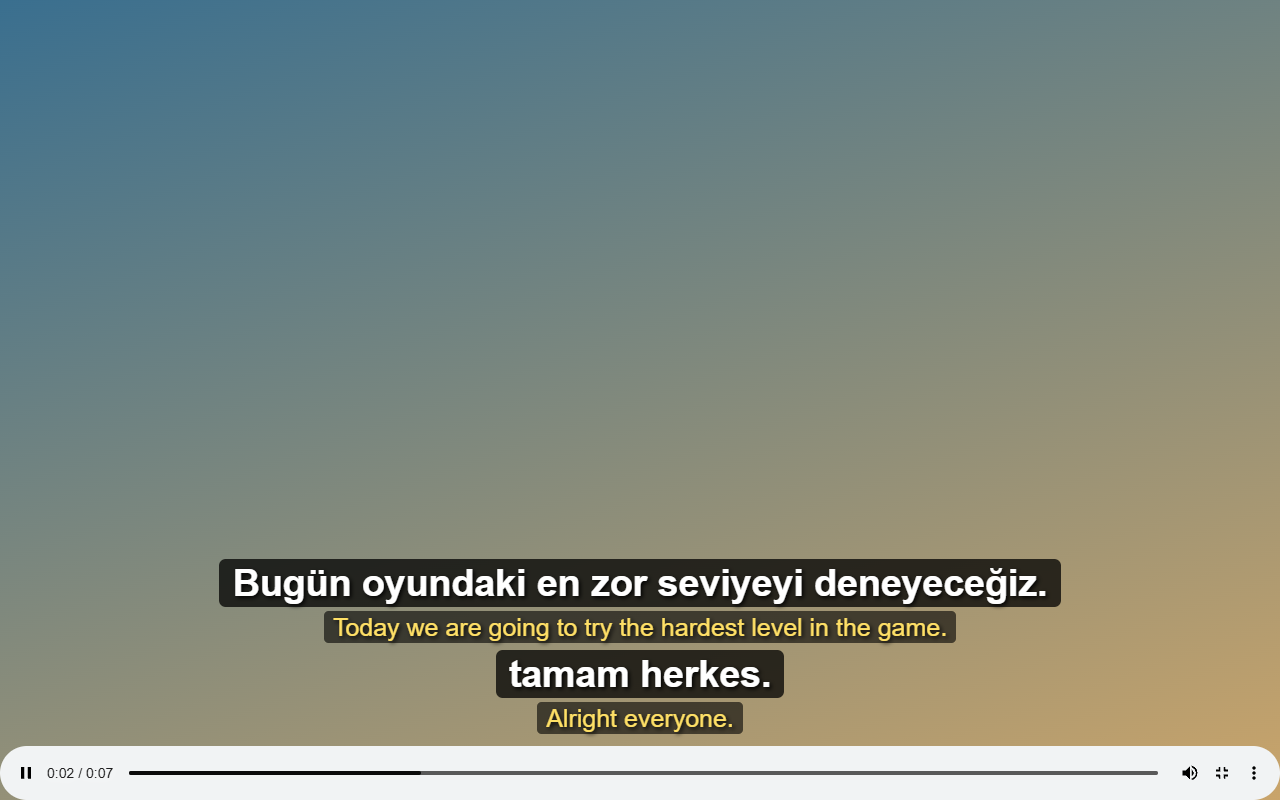
Original and translated together
See both lines at once, in fullscreen too. Useful when you are learning a language.
Captions your way
Drag them anywhere. Change the font, size and colors until they feel right.
Free and local
No subscription, no account, no API key. Speech recognition is Whisper, running in your browser.
Hear the translation
Turn on read aloud and Babil speaks each translated sentence, lowering the video while it talks. Pick a voice persona (Iris, Ruby, Owen, Miles, Grace or Skye) and press Listen to hear it first. Voices on your computer are used first, so captions stay off online voices whenever a local one exists. Handy when reading captions is tiring.
Every video has a language you do not speak yet. Babil closes that gap while you watch, without sending a single second of audio anywhere.
Install
Running in about two minutes
- Add it from the Chrome Web StoreOpen Babil on the Chrome Web Store and click Add to Chrome.
- Pin BabilOpen the puzzle piece menu in the toolbar and pin Babil so its icon is always one click away.
- Start captionsPlay a video, choose your language, and press the big button or Alt+Shift+T. The first start downloads a speech model of about 600 MB. After that it is saved.
Privacy
Your audio stays on your computer
Speech recognition and translation both run locally, so nothing you watch is uploaded for processing. There is no account to create and no server of ours in the loop. The code is MIT licensed and public on GitHub, so you can check it yourself.
FAQ
Questions people ask
Is Babil really free?
Yes. There is no paid tier, no trial and no API key to buy.
Which sites does it work on?
YouTube, Twitch, Kick and other sites with a standard video player. On Firefox, protected media and players that do not expose an audio track cannot be captured.
Why is the first start slow?
Babil downloads a Whisper speech model once, about 600 MB on automatic. Later starts reuse the saved copy.
How do I get better accuracy?
Select the video's spoken language instead of leaving it on automatic detection.
How do I update?
Installations from the Chrome Web Store or Firefox Add-ons update automatically through your browser when a new version is published there. ZIP and temporary installations need their files replaced and the extension reloaded from the browser's extensions page. Settings and models are kept.
Start watching in your language
Free, local and ready in about two minutes.
More from menzo